Thinkpad X220 Tablet in 2026

Backstory
I've finally given in to buying this device after wanting one for about two years.
The Thinkpad X220 Tablet is a 12.5-inch convertible tablet released in 2011. It was originally released as a premium, enterprise-grade business laptop. It features a compact, rugged design and a rotating touchscreen with a pressure-sensitive stylus. At the time, these laptops were considered the best-of-the-best business laptops and debuted right before Apple's launch of the MacBook Air, which popularized the ultrabook category of laptops.
These days, the X220 and X220 Tablet are very popular among hardware enthusiasts who prefer the classic design, easy upgradability, the legendary 7-row classic keyboard, with great support for Linux and open-source software.
Since 2024, I've been scrolling eBay, looking for this device at a reasonable price. This device's legendary status has driven its price way above the device's physical value on the used market.
I mean, 250-600 bucks for a used laptop with a measly i5 or i7 from 2011?!?!?
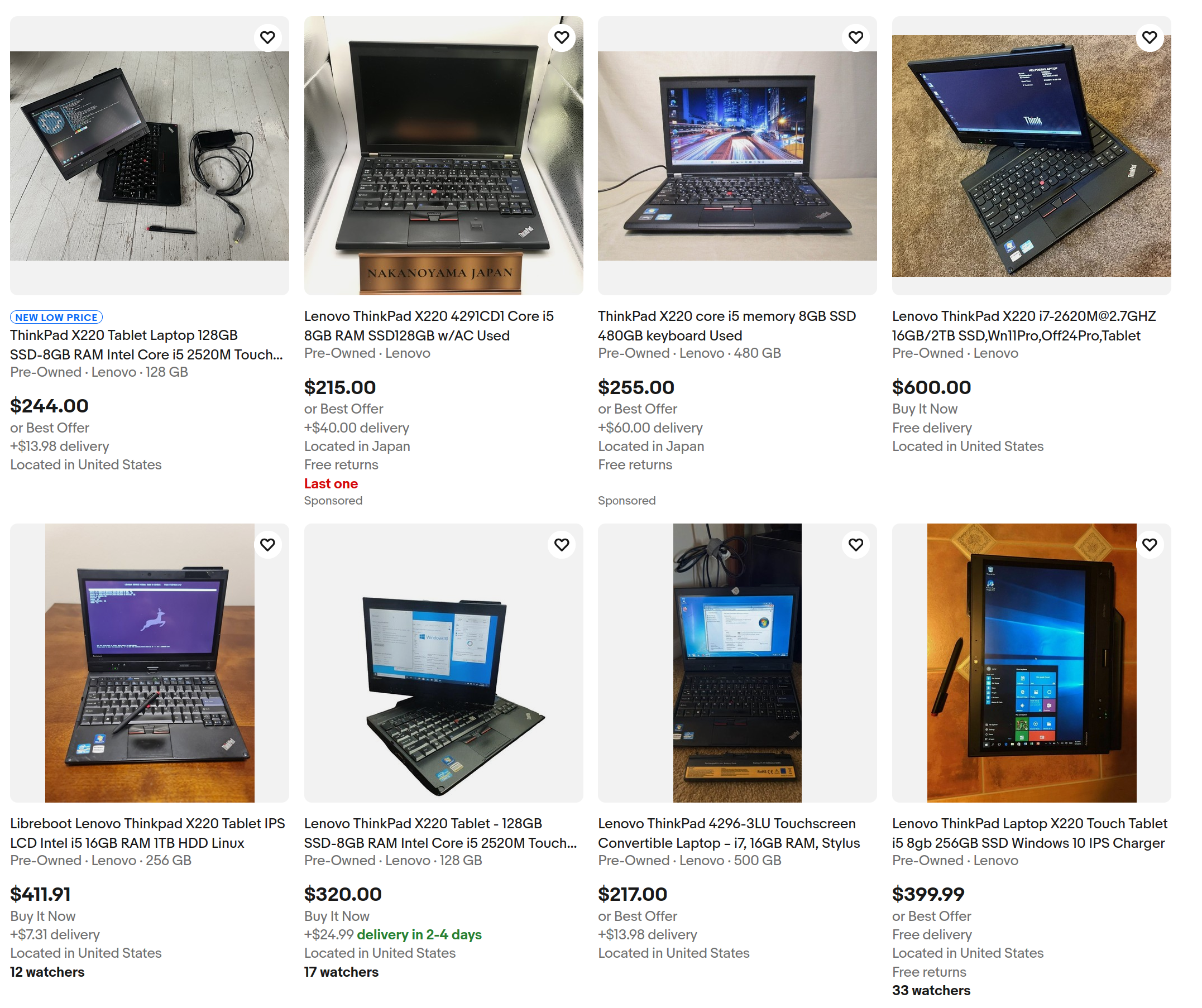
I thought I would never get one for a reasonable price.
That is, until I found this listing.
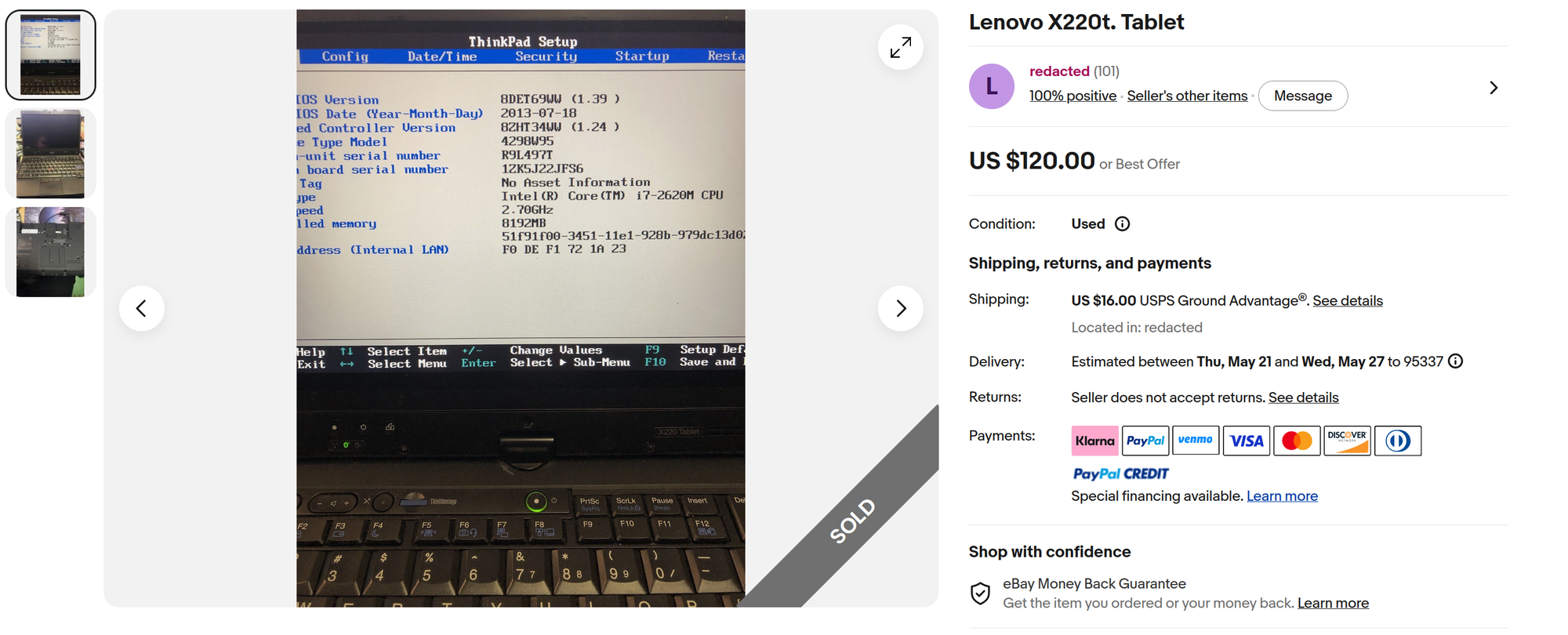
I immediately noticed that this was the i7 variant of the device. I also noted that there were not many pictures of the overall chassis. I messaged the seller asking about the overall condition and the state of the battery, to which they replied that they would include a functional battery and a 120GB SATA SSD.
It was almost too good to be true.
Deciding to take the gamble and fall back on eBay's money-back guarantee, I purchased it instantly before I could think twice.
The Why?
Now, to most people, it makes absolutely no sense to pay this much for outdated computers/laptops, especially when you can buy a modern one for slightly more money.
I want this laptop for the following reasons:
- Good Linux support
- Classic keyboard design and feel
- Incredibly wide selection of ports (compared to modern laptops)
- Full-Size USB ports (One "Always-on" charging port)
- SD Card Reader
- VGA
- DisplayPort
- Gigabit Ethernet (RJ-45)
- ExpressCard/54 Slot
- 3.5mm Headphone jack
- Has a wireless hardware switch
- Has physical mouse-click buttons
- Has physical volume buttons separated from the main keyboard.
- Has a fingerprint scanner
- Touchscreen/stylus pressure sense support
- 12.5-inch compact form factor
- Hot-swappable Battery (Located on the back)
- Easily upgrade RAM, Battery, and Storage in 5 mins or less.
The CPU and integrated graphics in this laptop still hold up decently today for light use cases.
Whether it's for homework, note-taking, remote SSH box, YouTube watching, photo-editing, or just to mess around on, it's worth getting for its versatility alone.
Modern laptops strip down conveniences to focus on ultraportability and software-user experiences.
Think MacBook. Almost no ports, super sleek, super thin, and the software runs beautifully on it.
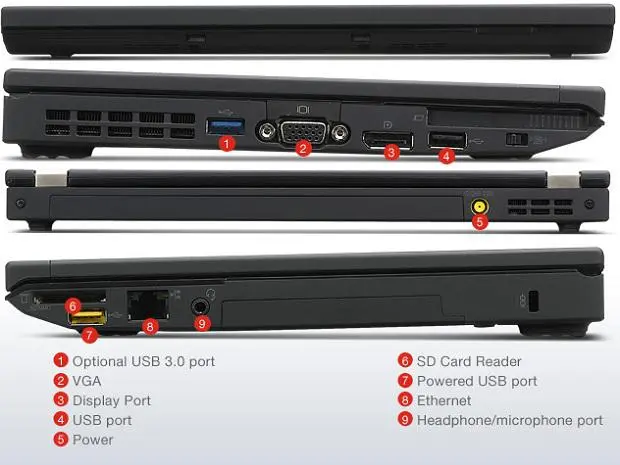
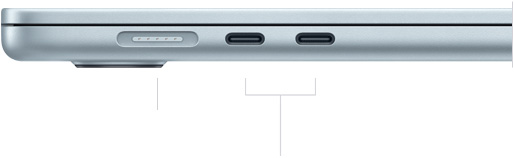
Ports on a X220 versus a MacBook Air.
The average user does not need to hotswap the battery, install different operating systems, or upgrade the laptop to meet their required use case.
The MacBook is the perfect choice for them because it offers the best user experience in their case.
But for a power user, such as myself, this user-first philosophy does not work. I don't care about how thin the device is or how smoothly it runs out of the box; I want freedom to tinker with my device as I please.
Why would I pay more for a device that actually restricts what I want to use it for?
The Result
A week later, it arrived, and in nearly perfect condition.
The model is indeed the i7 variant, featuring the i7-2620M with a whopping 2 cores and 4 threads.
It's got the advertised 8GB of RAM, a functional battery, and the seller actually did toss in a 120GB SATA SSD at no additional cost.
The machine booted into my Ventoy USB drive without a hitch, and I proceeded to install Linux Mint.
Challenges with Ubuntu-based systems.
Now, let me say something about Ubuntu and Ubuntu-based operating systems on computers that I have used in the past– they never f**king work correctly.
I literally do not know what I am doing wrong. It may be because I screw around with the system too much. Maybe I am just too much of a tinkerer.
Maybe I just flippin' suck at using the literal easiest Linux distribution created and backed by a multi-billion-dollar company.
Whatever the case may be, Linux Mint just did not work right on this laptop. Crashes, freezes, finicky touchscreen support, blah blah blah. I'm getting a headache just writing about it.
By the way, I did use Ubuntu LTS for a year straight with many, many issues and a few mandatory fresh installs.
Did I mention I use A*** BTW?
Anyways, I installed Arch. Works perfectly. No issues.
The GNOME desktop environment works great on this after testing it for a bit, but I would consider it slightly too heavy for its specs, so I opted for Sway WM.
I needed to tinker with my configuration files to get some of the multimedia keys and screen-rotate buttons working correctly.
All of my personal configs and dotfiles can be found on my Github.
All in all, I think with Arch installed, Sway as a lightweight Window Manager, and Flatpaks for most applications, this is a pretty good setup for the time being.
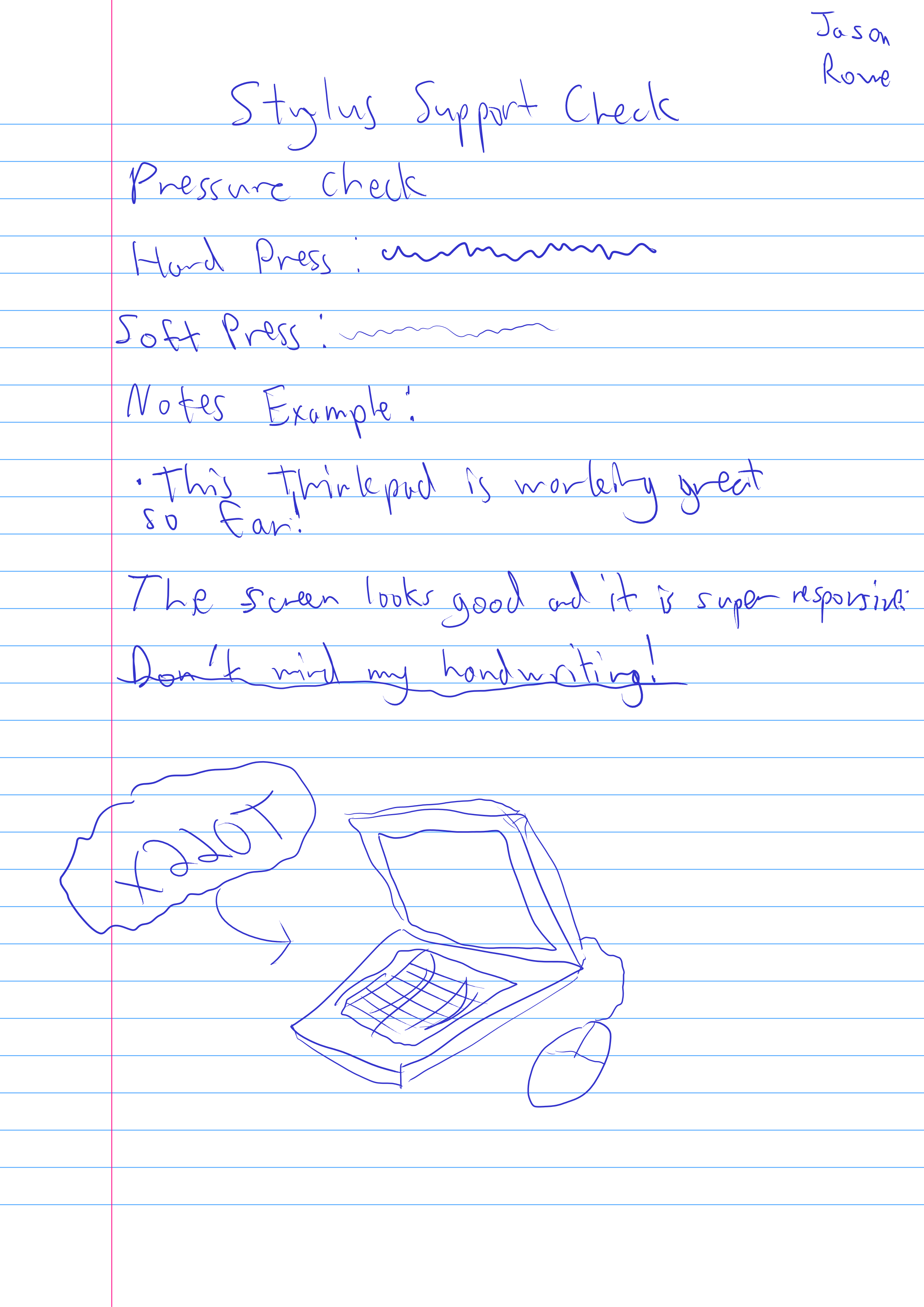
I forgot to mention! The touchscreen and stylus support is great!
Two-Month Review
I've been using this laptop for around 2 months now, and I am really happy and impressed with how well it holds up today. It's very reliable so far.
This machine performs well, even for being about 15 years old.
It shows its age in some areas, such as the fluidity and size of the touchpad, but these things were never known for having great touchpads to begin with.
I've stickerbombed this laptop as well.
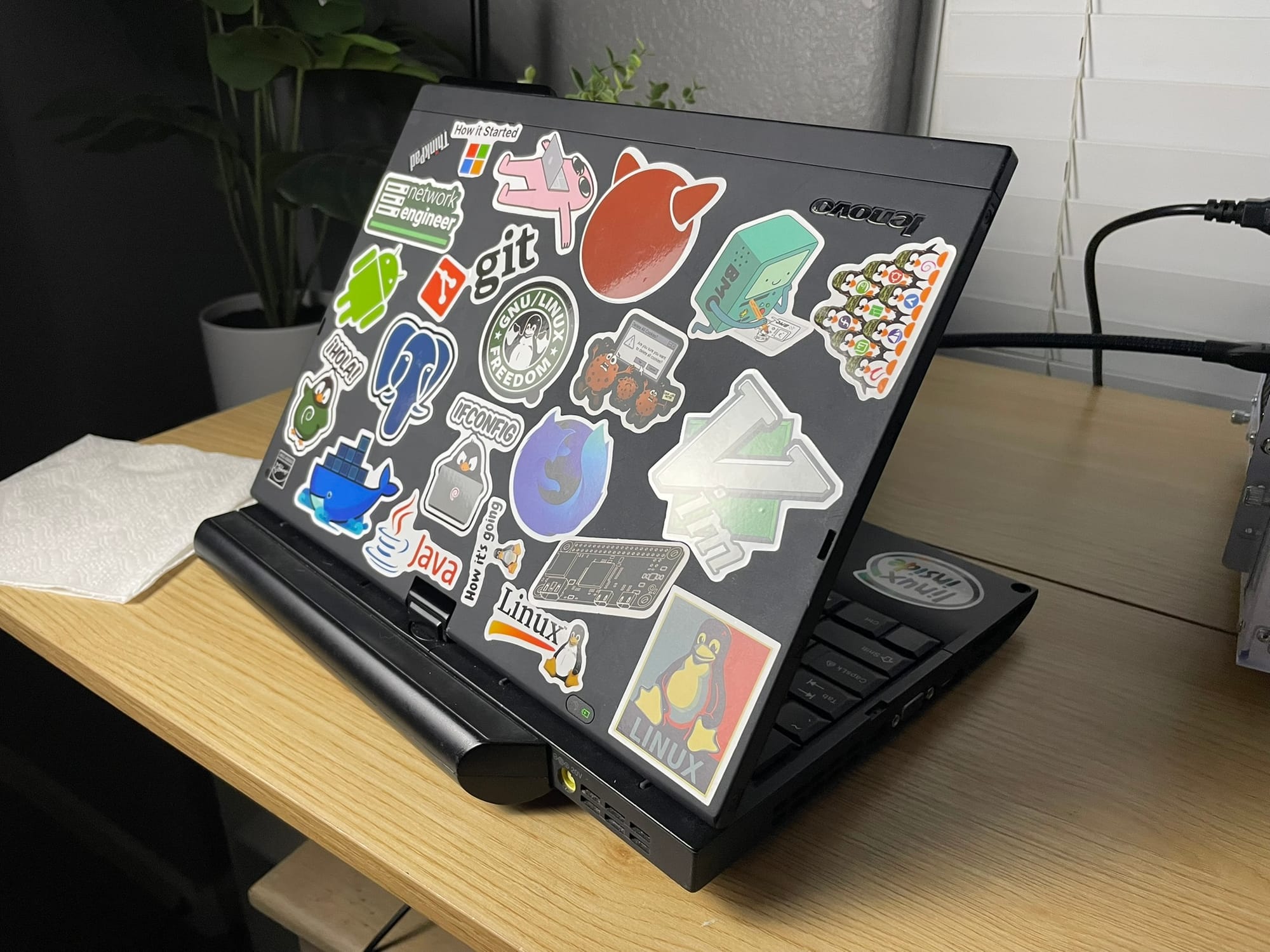
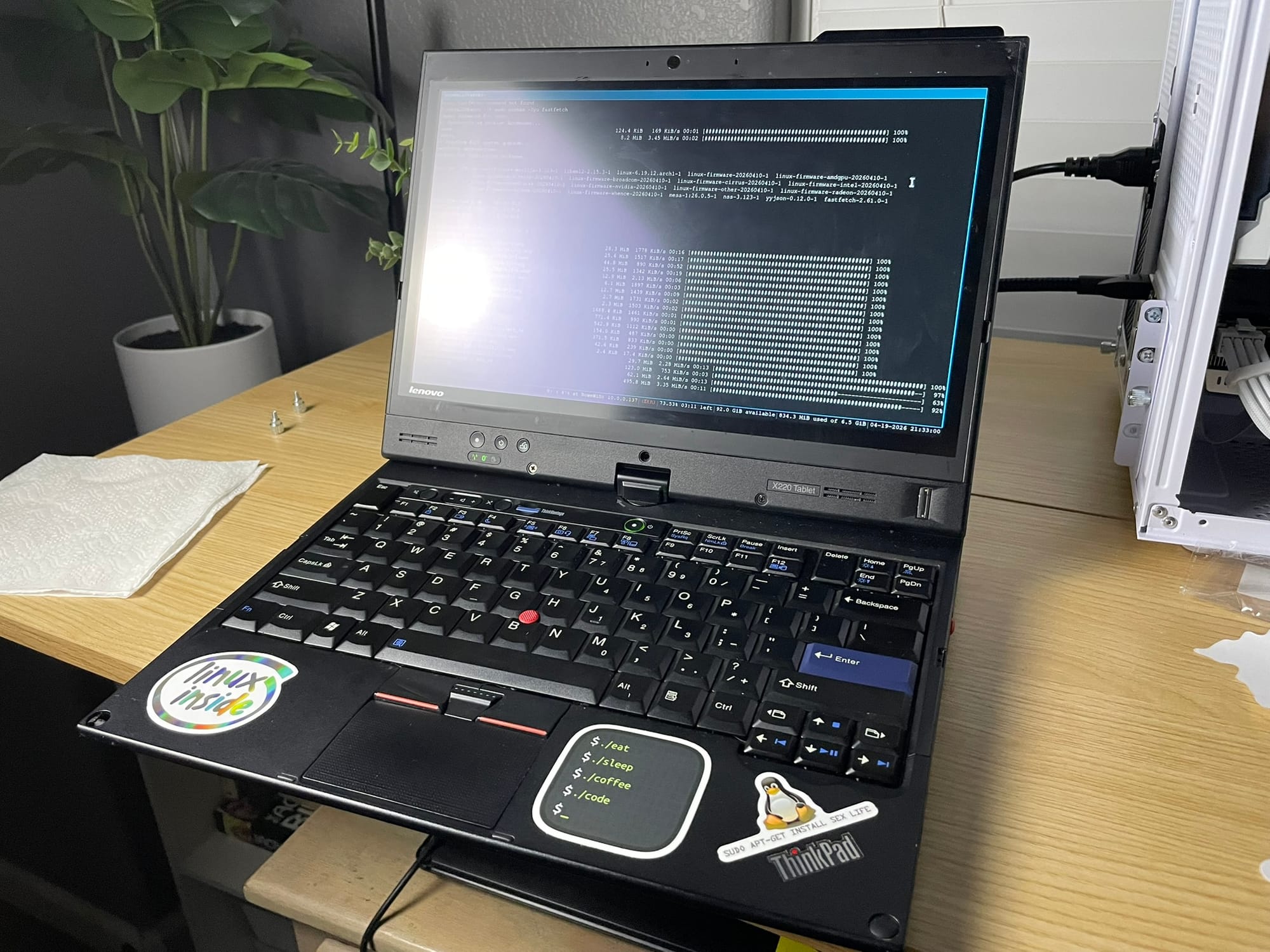
Assortment of stickers I bought on Amazon.
Ultimately, this device is incredibly worth the 150 dollars I spent on it.
I hope to make it last for years to come.
Gooba.